Activating Lunar
Activating Lunar is pretty straightforward. Simply follow the steps below
Getting your key
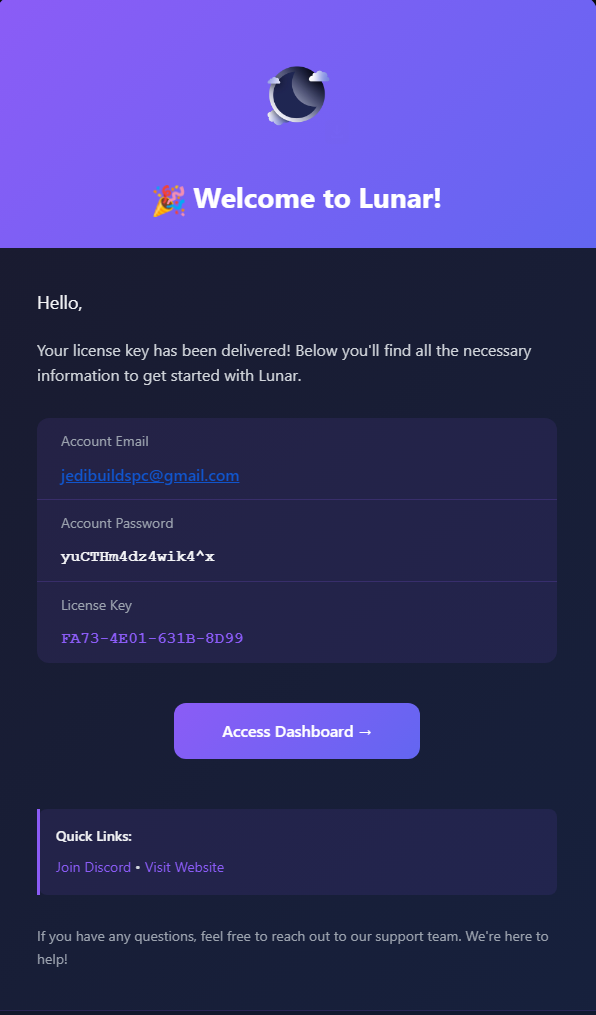
After purchasing Lunar, your key will be automatically delivered to the email you used to purchase, which will be from noreply@lunaraio.com. After locating this email, you will see your key, as well as your dashboard credentials.
Log into dashboard
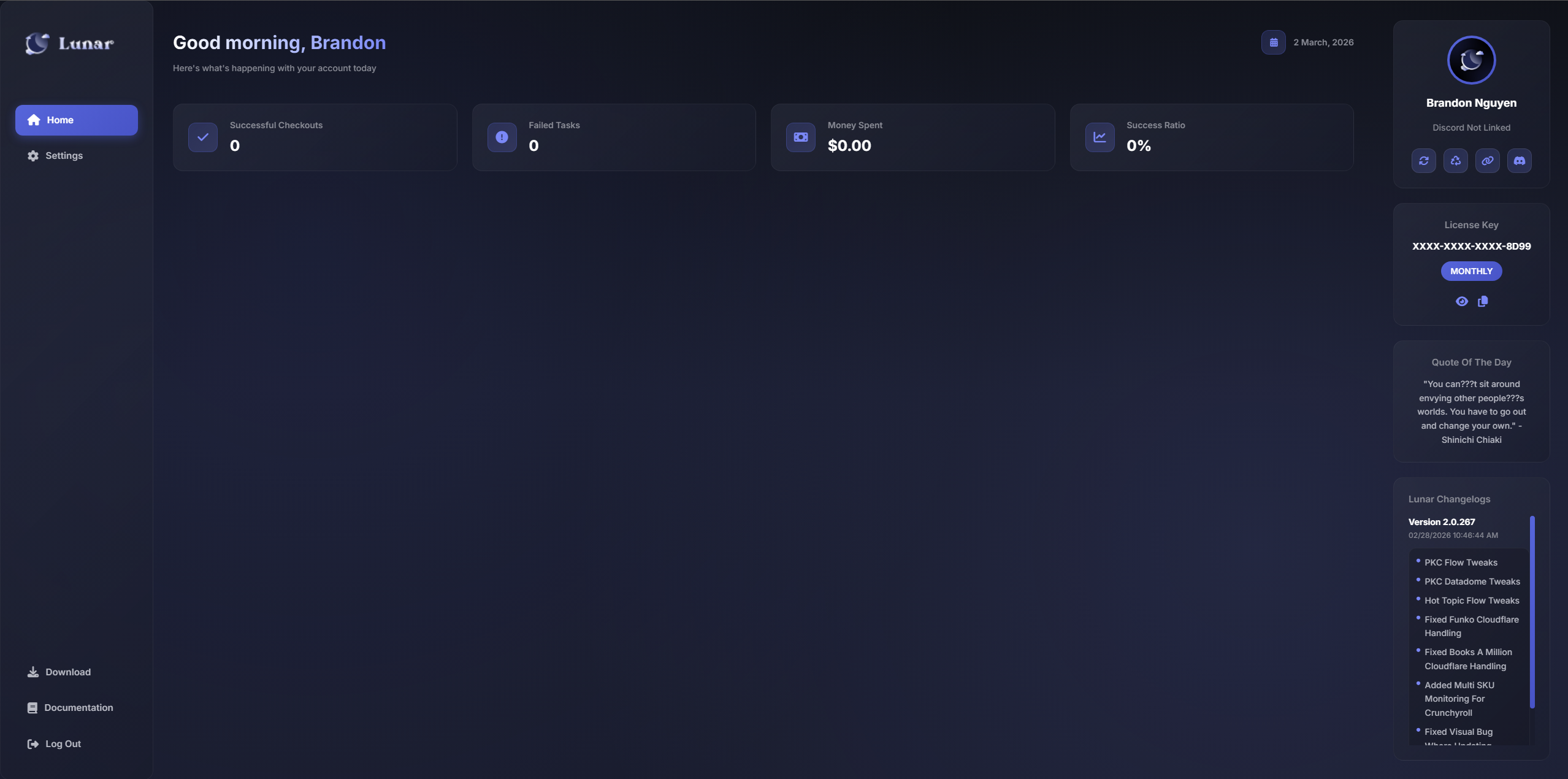
After locating the email with your license key, the next thing you should do is head to https://www.lunaraio.com/login. Once you're on this page, proceed to log into your account with the credentials from the email.
Link discord
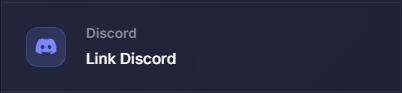
After logging into the dashboard, click the Settings tab to head to the settings and click "Link Discord" and follow the prompt and authorize your discord connection.
Join discord & obtain roles
After linking your discord, click on the Home tab and on the right side, you'll see 4 buttons under your name. Click the button with the discord icon & join the server, once you've joined, you'll receive your roles within 2-5 minutes.
Downloading Lunar
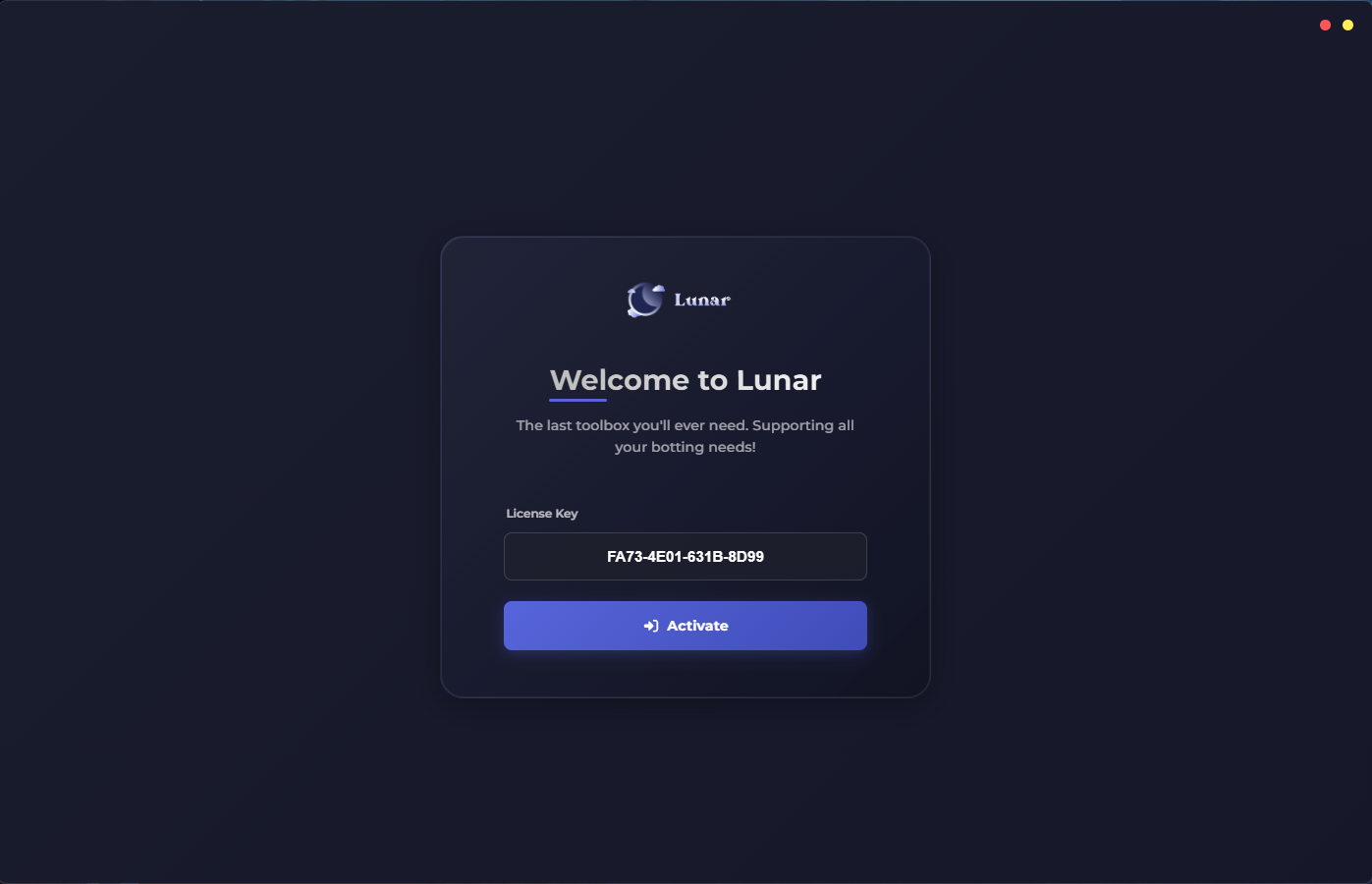
Once you've joined the server & have received your roles, you can either download from the #changelog channel or you can download from dashboard directly by clicking on "Download" & launch the application. Once launched, your screen will look like the image below. Simply paste your license key from your email and click "Activate".
If you get a 404 error, don't panic, simply head to the dashboard and on the homepage, click the button with the two spinning arrows to reset your license instances and retry.
Alternatively, you can also dm the discord bot 1435647141811851386 within the server /reset and reset your license key there.